Plan Summary
Review the destinations and route structure prepared for the current connection.
Built for network conditions in Russia, LincX brings destination choices, node availability, latency readings, and readiness checks into one clear plan.
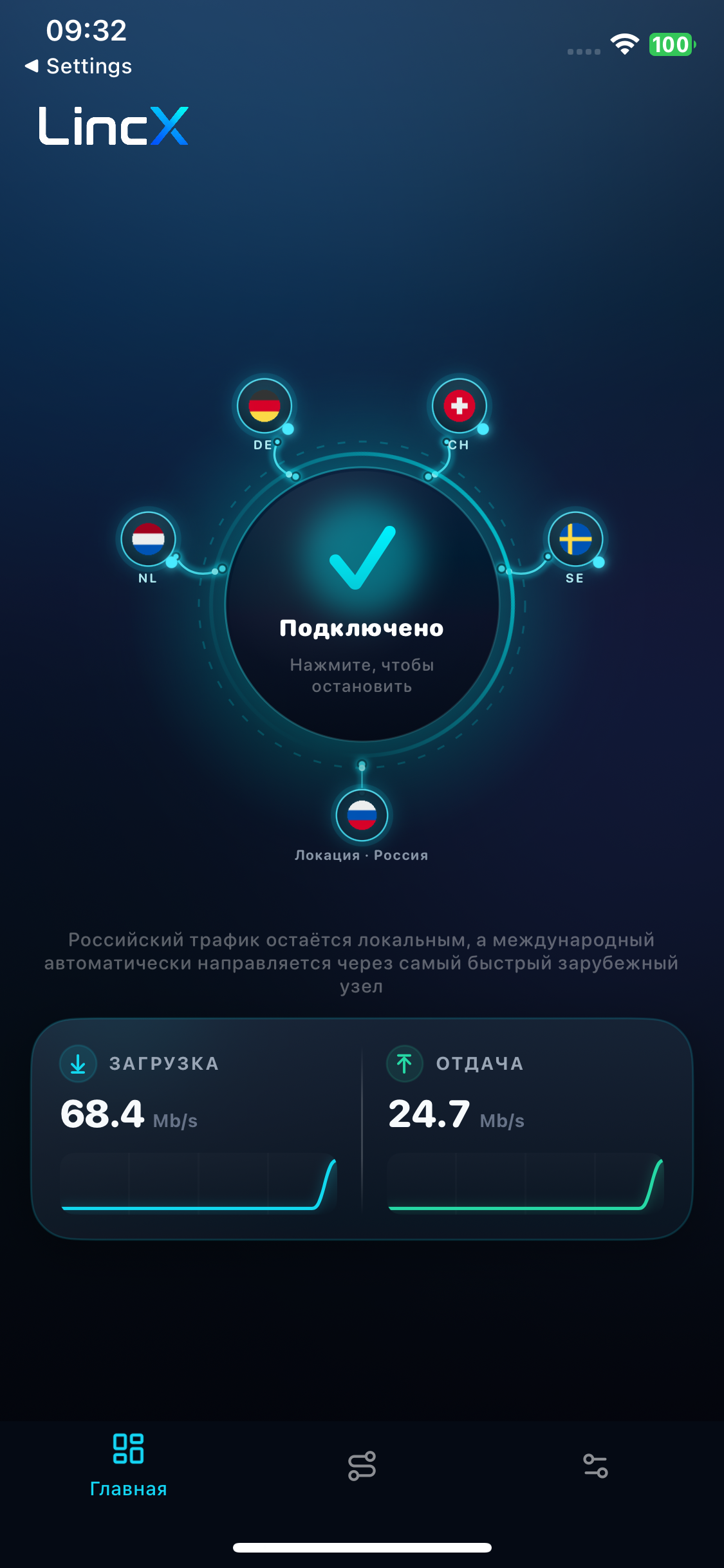
Connection Preview
Review the destinations and route structure prepared for the current connection.
See which network LincX is preparing for and whether setup can continue.
Choose from the countries available to your account before starting the connection.
Review which nodes are currently available for each selected country.
Compare current response times shown for the available nodes.
Follow the preparation checks until the plan is ready to start.

Plan Details
The plan brings destination choices, node status, latency readings, and preparation progress into one view before you start the connection.
Before You Start
See what LincX has prepared before starting the VPN.
Update country choices while the plan is still being prepared.
Confirm that the required connection checks are complete.
Open LincX Connect, check the prepared plan, and start the VPN when the status is ready.